Hello,
When someone gets their account correctly created in Nexus, they will receive an email looking like this:
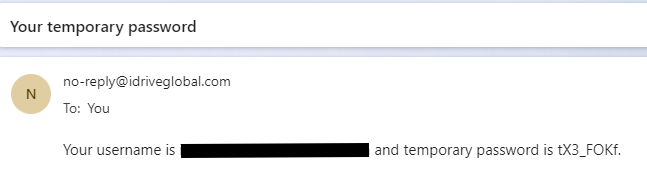
Make sure to ignore the dot at the end, it is not part of the password.
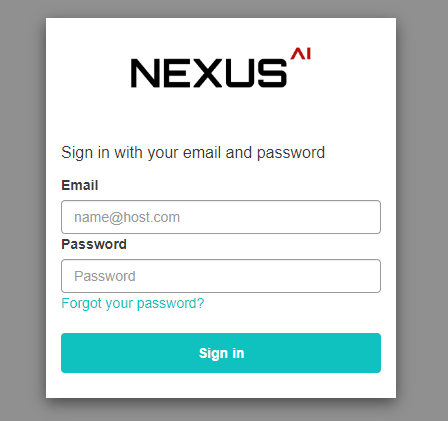
After they receive that email, they will go to and try to login with the email/username and this temporary password. They will now get this page.
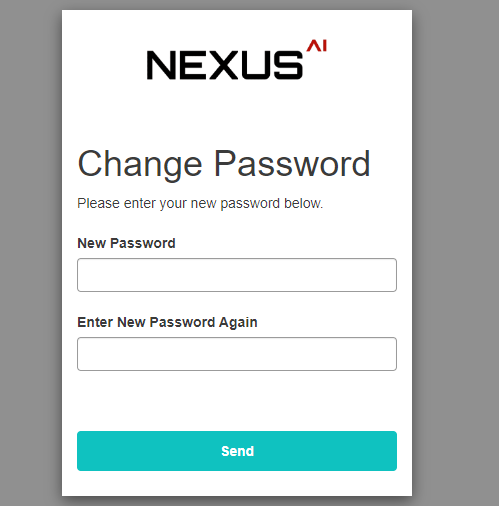
After a new password is created, they will be able to log in.
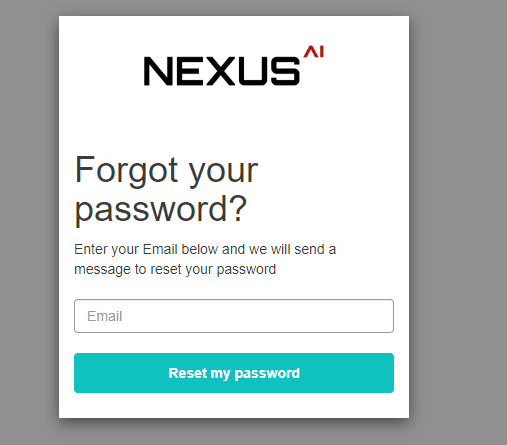
If they forget the password, they have the Forgot password option at the initial log in page:
If there are problems with the login, we can delete and re-create the account.
Was this article helpful?
That’s Great!
Thank you for your feedback
Sorry! We couldn't be helpful
Thank you for your feedback
Feedback sent
We appreciate your effort and will try to fix the article