There are 2 options for the users in Nexus:
- they had an account in IRIS and they were migrated to Nexus. In this case, the username of the user will be the email address they have and the default password AIDashCam2024#
if the account migration happened prior to October 10th, the password could be Idrive2024#
P.S. if you do not know if the user was migrated, check the old IRIS account and see if they had an account there; if they do, they were migrated - they had their account created in Nexus manually by someone. In this case they will receive an automatic email from no-reply@idriveglobal.com under the following format. The password has 8 characters: upper case and lower case letters, at least a number and one special character. The last . at the end is not part of the password.
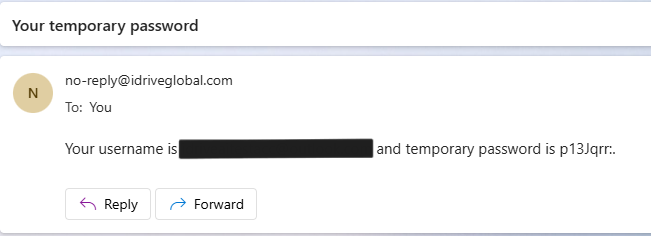
After receiving this temporary password, on the login screen they will be prompted to change it:
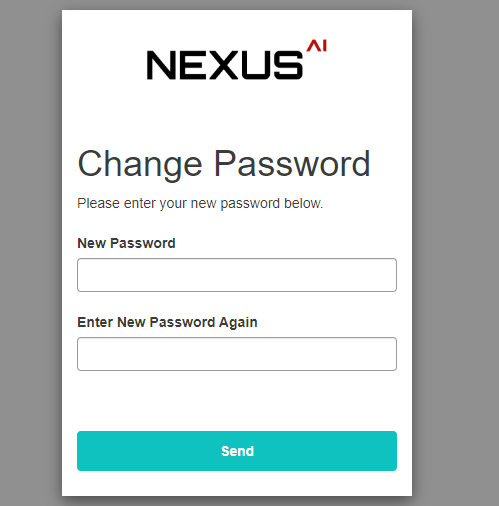
Now they can login at https://nexus.idriveglobal.com
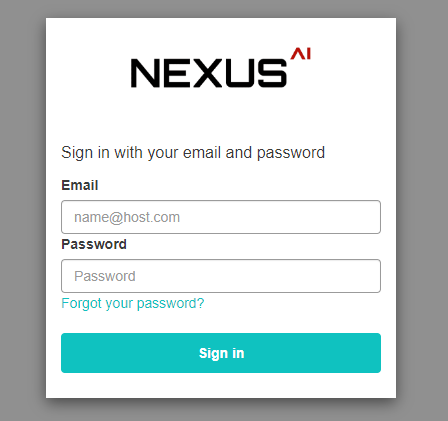
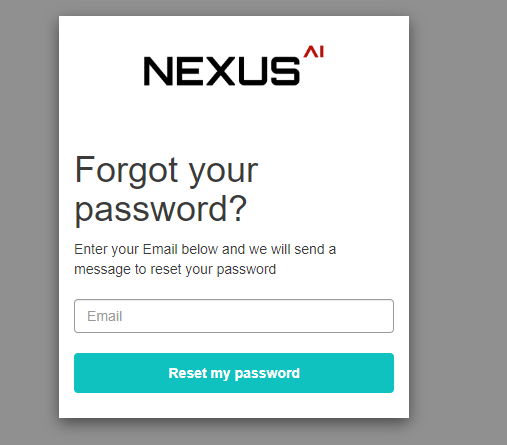
If the user forgot the password they created, they can reset it on the main login screen
If we have trouble with one of the users and they cannot reset the password, they cannot login, they did not receive the temporary password, delete the account and recreate it. Before deleting it, make sure you re-create it with the same permissions.
Was this article helpful?
That’s Great!
Thank you for your feedback
Sorry! We couldn't be helpful
Thank you for your feedback
Feedback sent
We appreciate your effort and will try to fix the article